A home studio for vocals, podcasts, voiceover or instruments needs fewer things than most people expect. Start with five pieces, buy them well, and add more only when you know what you are missing.
The audio interface connects microphones and instruments to your computer and sends sound back out to your headphones and monitors. Choose it by how many things you need to record at the same time.
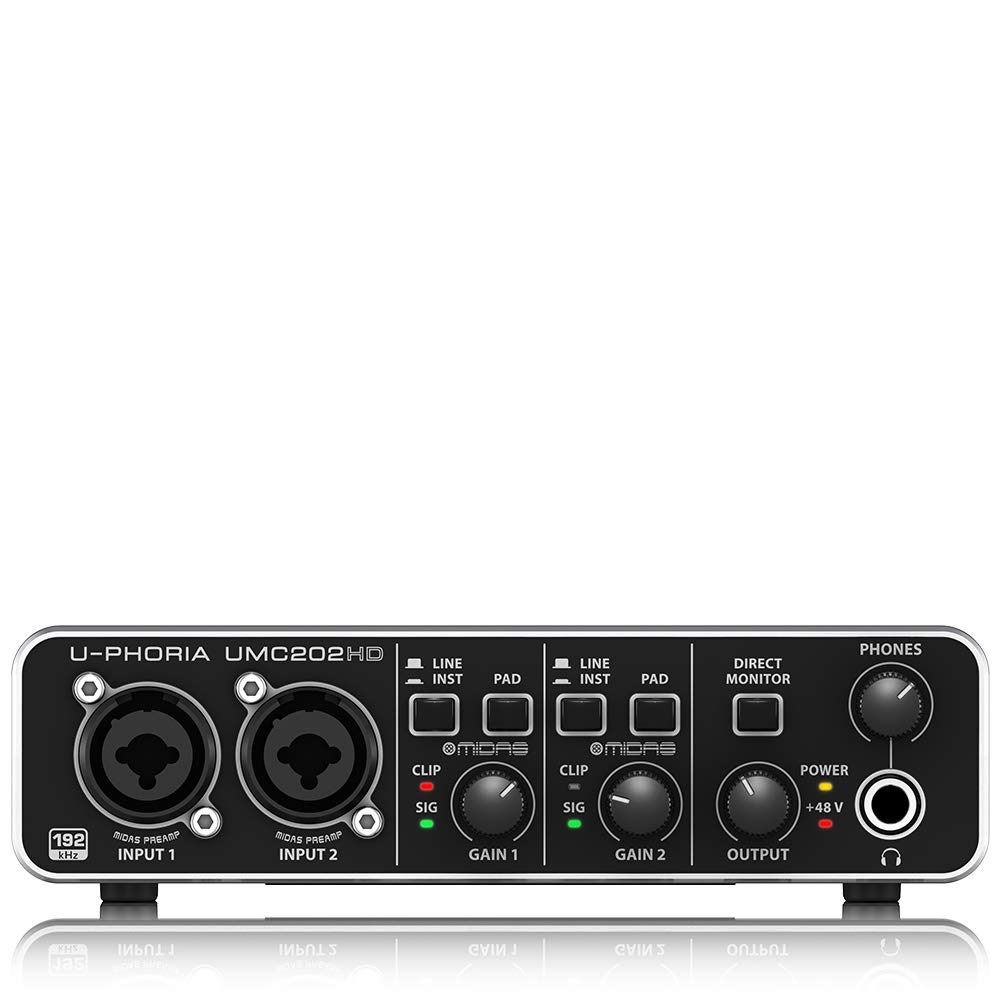
One or two inputs: a singer-songwriter, podcaster or voiceover artist. A two-input USB interface such as the Behringer UMC202HD covers a voice and a guitar together.Four inputs: two podcast hosts with guests, or a small band recorded in parts. The UMC404HD is an example.Eight or more inputs: recording a drum kit or a full band live. Larger interfaces like the UMC1820 have eight microphone preamps.Check that the interface has +48V phantom power if you will use a condenser microphone, a Hi-Z or instrument input for guitar and bass, and enough headphone outputs for everyone who needs to listen. Recording at 24-bit and 44.1 or 48 kHz is plenty for music, podcasts and video. Browse audio interfaces and DI boxes.
Pick the microphone for your room as much as for your voice.
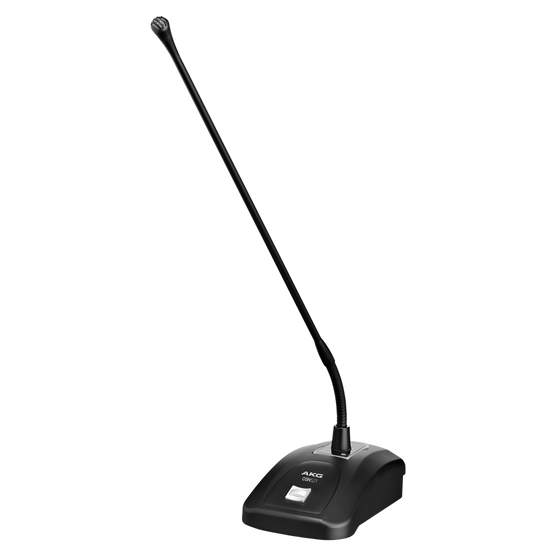
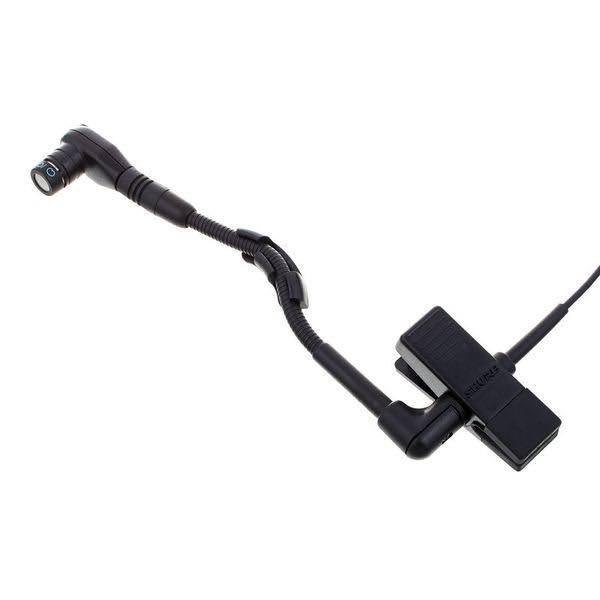
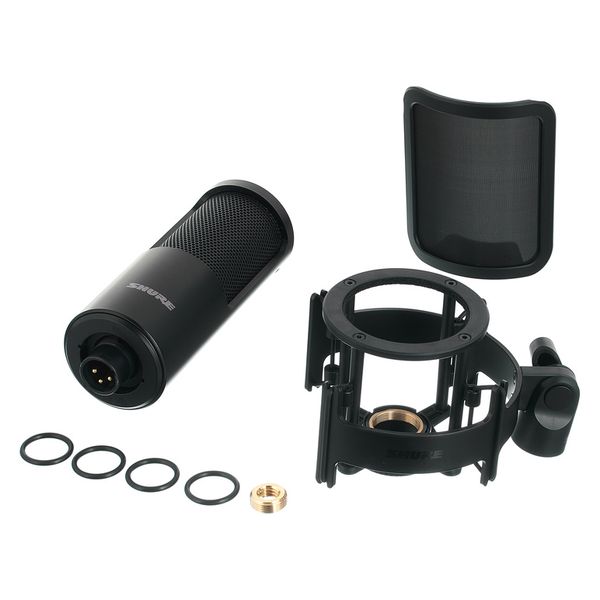
Dynamic microphones pick up less of the room around them. In an untreated bedroom or a noisy home they are often the better choice for vocals and podcasts.Large-diaphragm condenser microphones capture more detail and air, and are the classic choice for studio vocals and acoustic instruments, but they also capture more of the room, the fan and the traffic outside. They need phantom power.USB microphones plug straight into a computer and are convenient for a single voice, but you cannot add a second microphone later as easily as with an interface.Add a pop filter and a stable stand; both make a bigger difference than people expect. See our recording microphones and wired microphones.
You need headphones for recording, because speakers playing while you record will bleed into the microphone.
Closed-back headphones isolate sound and are the right choice for recording vocals and instruments.Open-back headphones sound more natural and are comfortable for long mixing sessions, but they leak sound, so they are not suited to recording with a microphone nearby.Also check the impedance: high-impedance headphones (for example 250 ohms) need a stronger headphone output, while most interfaces drive 32 to 80 ohm models comfortably. Browse headphones and earphones.
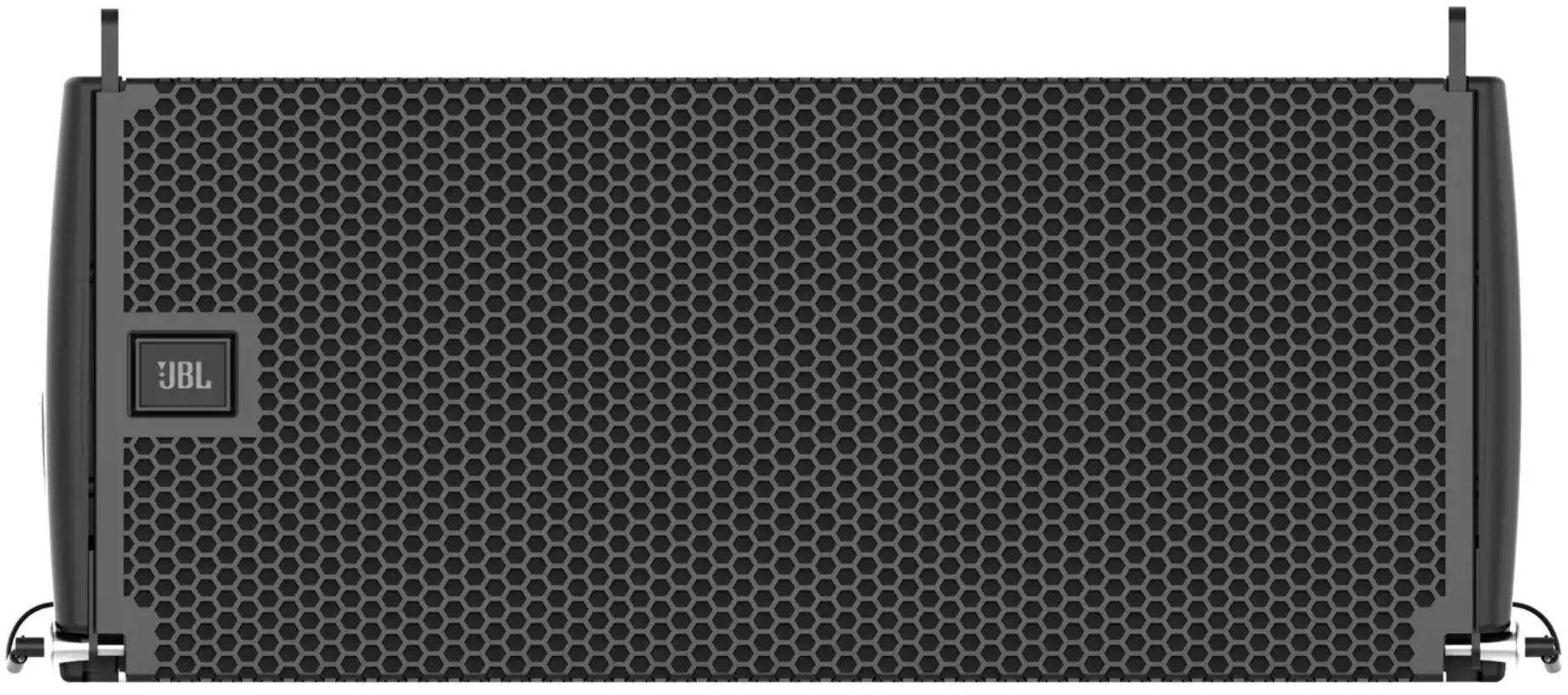
Studio monitors are speakers designed to sound accurate rather than flattering, so your mix translates to phones, cars and other speakers.
Size to the room: in a small bedroom studio, 4 to 5 inch woofers are usually enough. Larger rooms can use 6 to 8 inch models.Placement: form an equilateral triangle between the two monitors and your head, with the tweeters at ear height. Keep them a little away from the wall behind, especially if the monitors have rear bass ports.Decouple them: stands or isolation pads stop the desk from resonating and muddying the bass.Browse studio monitors.
XLR cable for each microphone, and TRS (balanced) cables from the interface to the monitors.A microphone stand, pop filter and, if you can, a shock mount.Soft furnishings help: a rug, curtains and a sofa reduce echo in a bare room. Record facing into the room's softest corner, not a bare wall.Podcast for two people: a four-input interface, two dynamic microphones, two pairs of closed-back headphones and two desk stands.Singer-songwriter: a two-input interface, one condenser or dynamic vocal microphone, closed-back headphones, a pair of compact monitors, a pop filter and a stand.What will you record, and how many sources at the same time?Is your room quiet, or will you hear fans, traffic and neighbours?Will you mix on headphones, monitors or both?Do you plan to add more microphones or instruments later?Tell us what you want to record and the size of your room on the contact page, and we will suggest a matched setup from interfaces, microphones, monitors and headphones in stock.